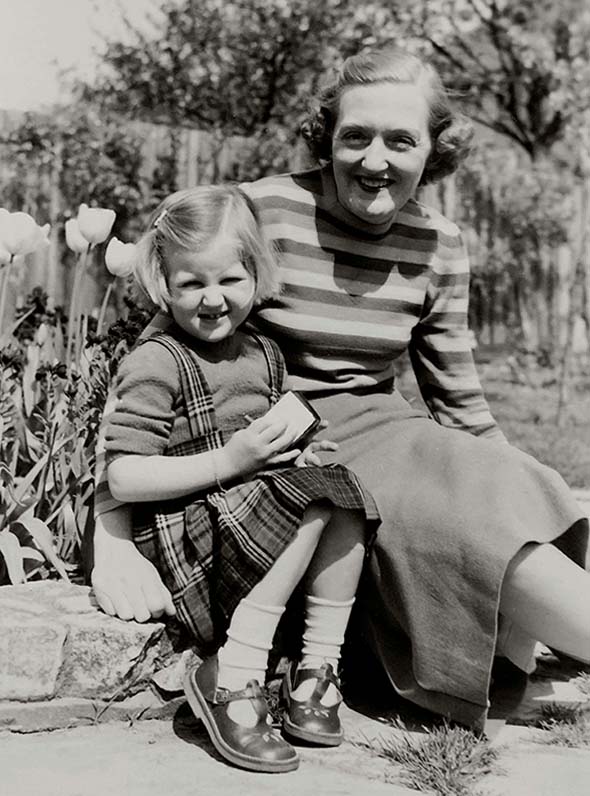
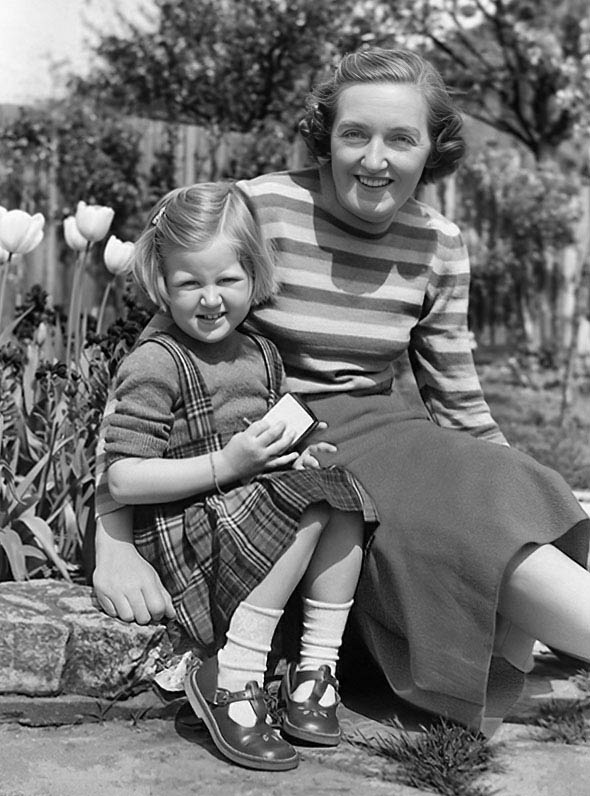
Restoring old photographs is easier today than ever, thanks to AI-powered software. With just a few clicks, you can get a surprisingly good restoration.
An AI-generated restoration won’t be a perfect, faithful reproduction. AI software doesn’t actually restore or retouch your existing photo. Instead, it generates a new image based on the original. Various alterations, from small to large, can slip into the final picture. Minor changes may go unnoticed, and major ones might still look fine if they blend naturally. For many people, this trade-off is acceptable, since having a clean, revitalized version of a fading photo matters more than absolute accuracy.
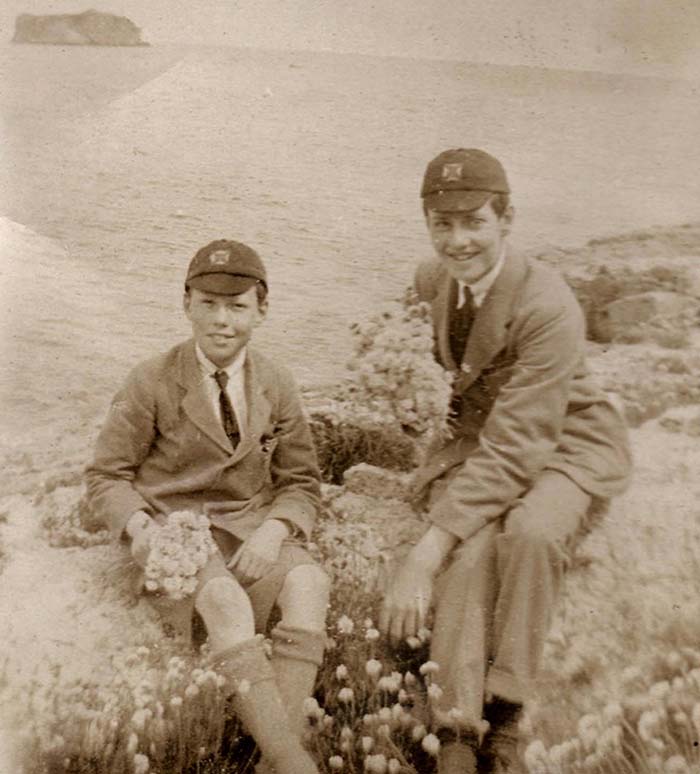
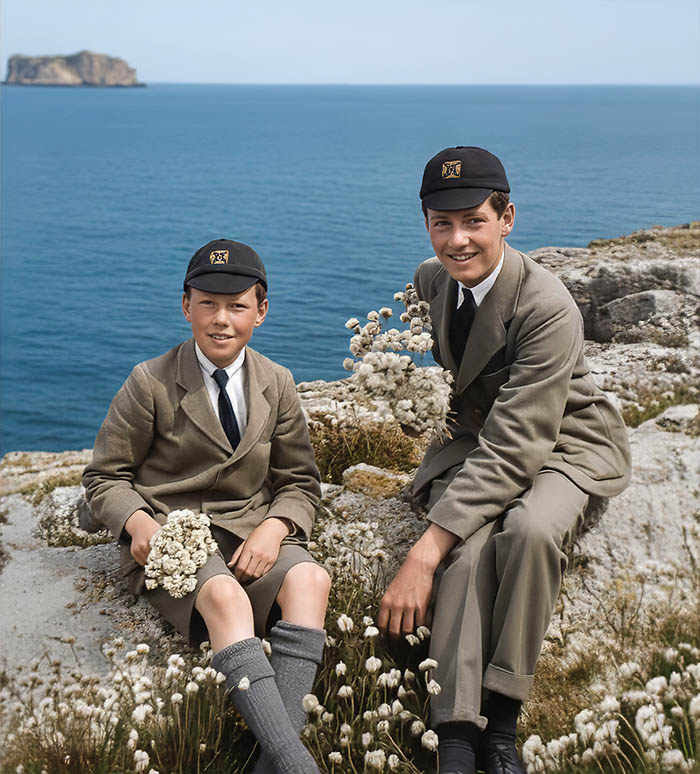
Do-It-Yourself Restoration
Most people can use free AI tools, such as ChatGPT and Google Gemini, to restore their old portraits. There are several other options and most require a free account. Try multiple AI services because they’re not the same and you’ll get different results.
You first need to digitize the original print. A flatbed scanner or dedicated digital camera works best. A smartphone camera can be used, but its sensor and lens simply won’t match the quality of a proper scanner or camera.
For a starting point, you might instruct the AI to “repair, restore, and sharpen” your photo. If needed, you might also include something like “preserve the exact facial proportions and facial expression.” Adjust your prompts to suit the condition of your photo and the results you want.
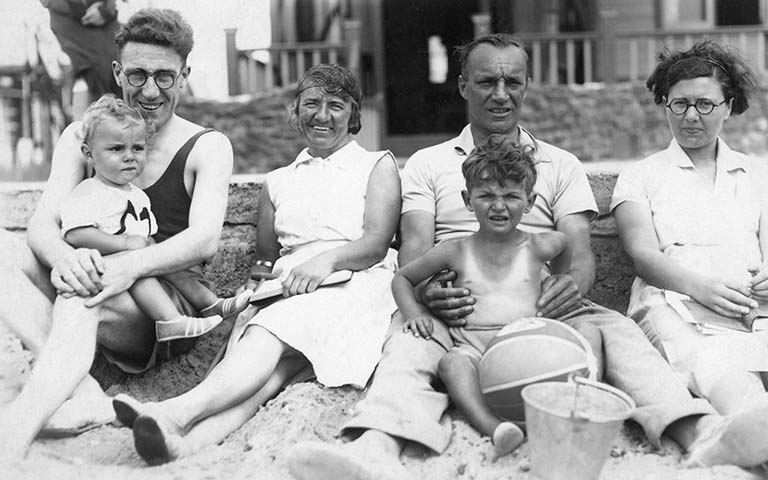
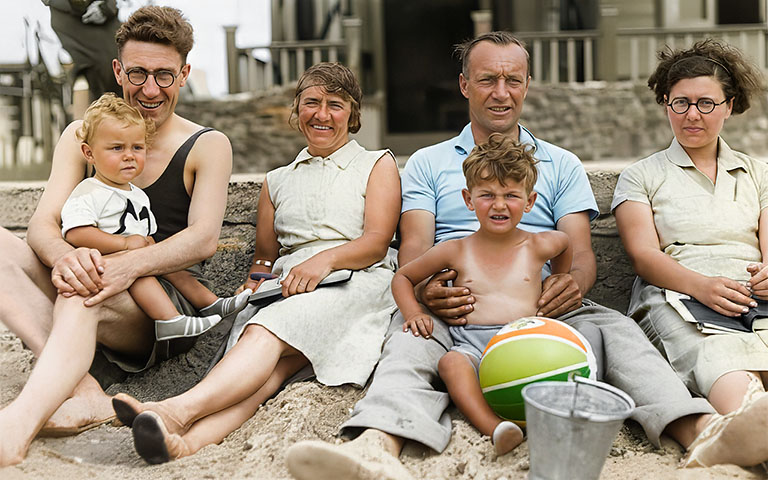
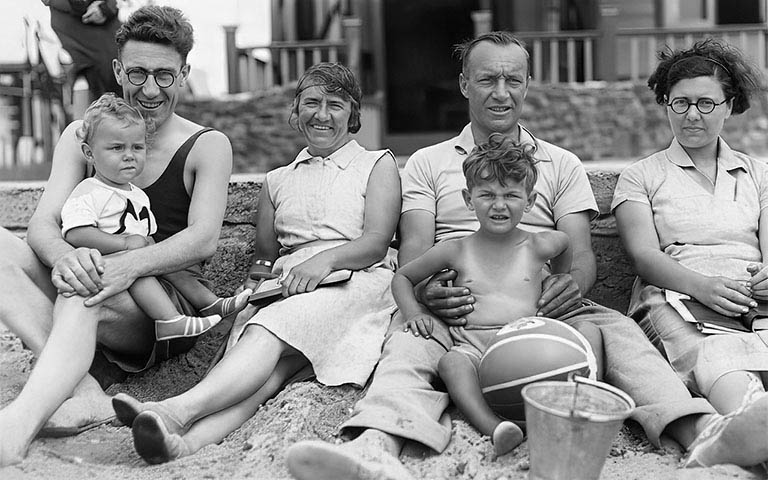
Restore Old Family Photos
Free AI accounts usually have a resolution limit from perhaps 1,024 pixels up to 2,200 pixels. This corresponds to a print roughly 3″×5″ to 5″×7″. AI tools can be used to upscale an image but the quality may vary. If your original photo is 5″×7″ or smaller, the AI-generated version should look good at its native resolution.
In my experience, AI-restored images can still benefit from some manual retouching to fine-tune the final look and clean up any AI “mistakes.”
If you have old family portraits that are faded, cracked, or otherwise damaged, AI restoration is absolutely worth a try.
