For Customers

Retouching Product Photos: How to Make Your Photos Look Their Best

Before imageAfter image
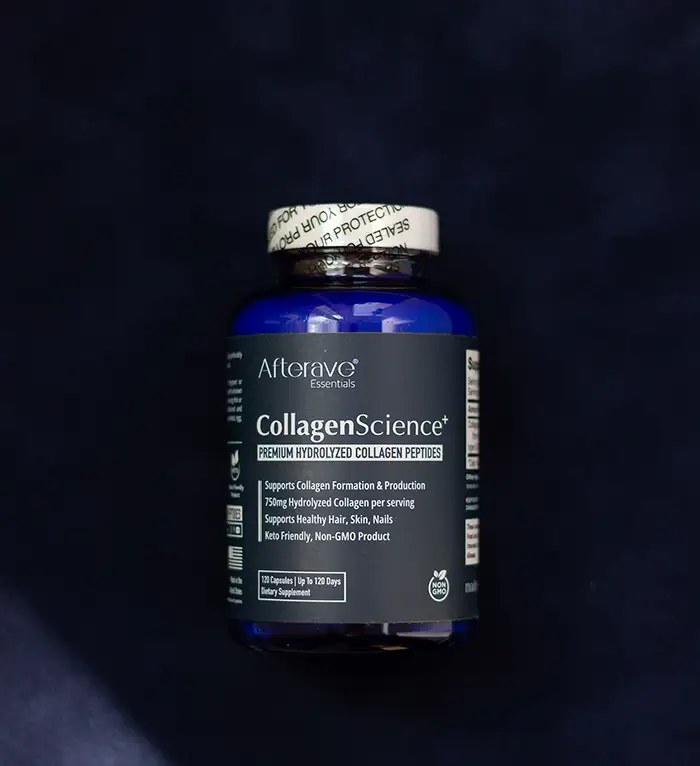
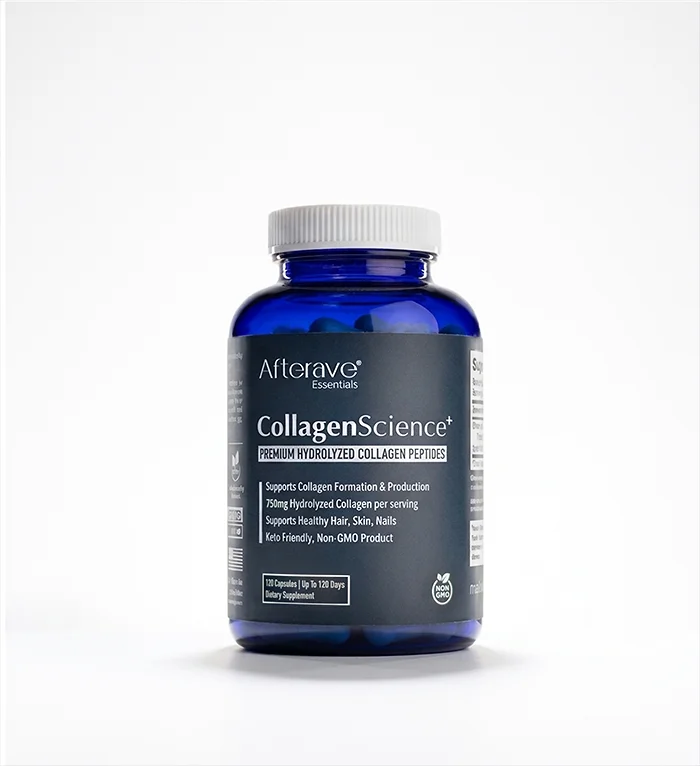
A dark product on a black background isn’t the best starting point. Most products are shot on white because it’s the most versatile background. White also makes a product look “clean” and “clinical” which is important for medicinal products.

Product photos almost always benefit from some degree of retouching. Professional photo retouching can remove dust and scratches, clean up packaging, refine lighting and reflections, and create a polished image that accurately represents the product. Professional retouching also enhances the brand value of the company selling that product.
Continue reading →

What Does Professional Photo Retouching Cost?

Before imageAfter image
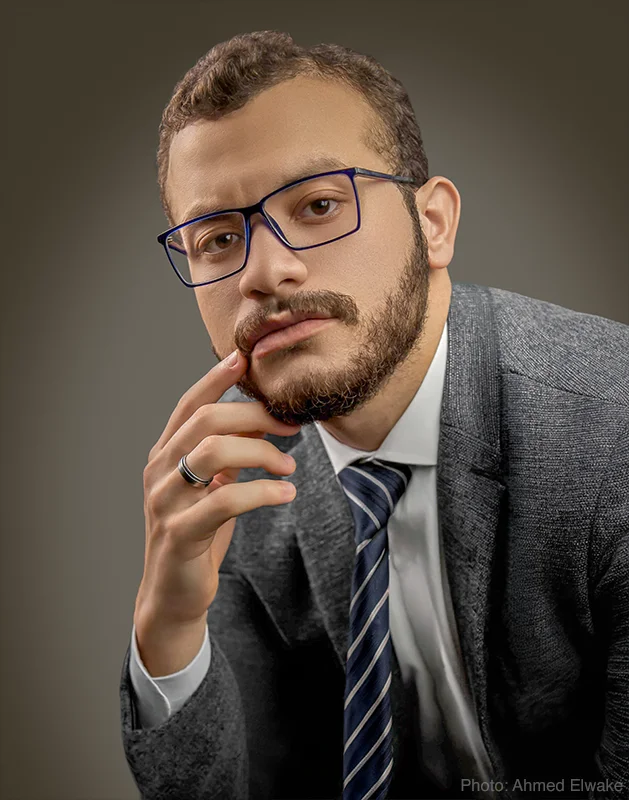
Problem: Photo is too dark. Needs only a minute to fix, right?

Retouching solution: Brighten the image, remove a jacket collar wrinkle, fix a loose jacket sleeve, remove a distracting pocket square, change the tie to something more harmonious, even out the skin tone and skin colour, remove dark circles from under the eyes, brighten both eyes (sclera and iris), enhance one catchlight, remove dark shadows from the hand, and replace the background.

Only brightening the photo would not have corrected all the issues with this portrait. More complete retouching produces a more compelling photo.

When a photograph is important, you don’t want someone simply “editing” it.

You want someone who knows what to look for.
Continue reading →

Retouching Political Campaign Portraits: Why a Professional Image Matters

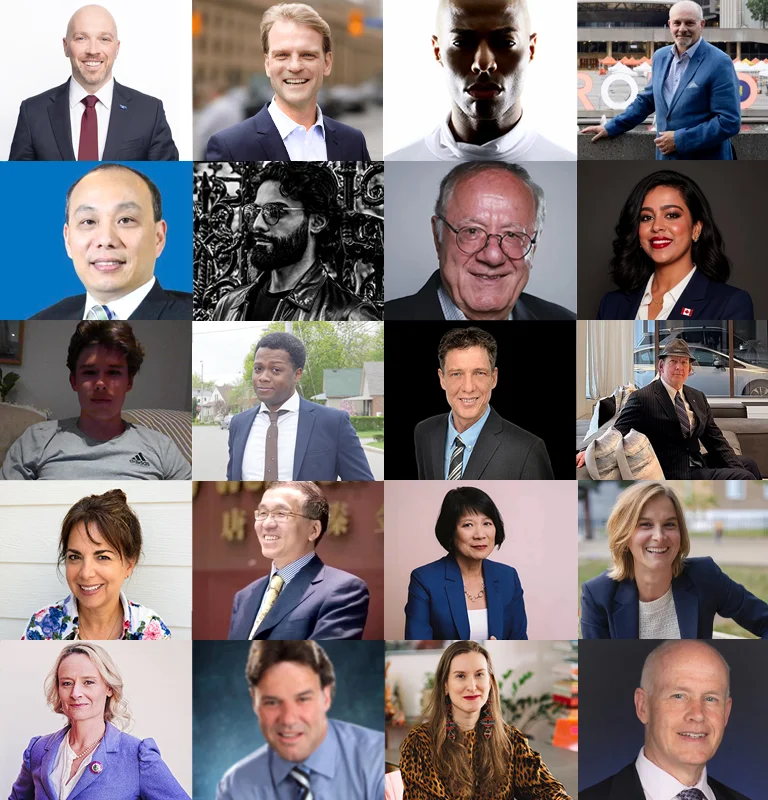
A composite image showing 20 of 53 people running for mayor of Toronto. The above 20 headshots have been cropped to fit this composite image, but otherwise have not been edited. Slightly more than half of the 53 candidates don’t have a portrait.

Based on their photos, which candidates inspire your confidence? Who would you trust to run Canada’s largest city with a nearly twenty-billion-dollar operating budget?

Your Portrait Is Part of Your Campaign

Here in Ontario, municipal elections take place on October 26, 2026. As I look through candidate websites and social media profiles, one thing stands out: a candidate’s portrait can say a lot about how seriously they take their campaign.
Continue reading →

What Can Professional Headshot Retouching Fix?

Continuing on from the previous post about retouching business portraits:

Balancing Uneven Lighting and Exposure

Before imageAfter image

This is a basic business headshot and represents the minimum standard for a professional business portrait.

The main problem is the uneven exposure. One side of the face is significantly brighter than the other side, making the image feel unbalanced. The white shirt is also overexposed and the overall colour is too pink.
Continue reading →

Business Headshot Retouching: What Professional Retouching Can Fix

Business headshot and portrait retouching generally falls into two categories.

The first is corrective retouching. This is fixing problems caused by the photography such as uneven lighting, distracting shadows, incorrect exposure, and colour casts.

The second is enhancement retouching. This helps make a good portrait look even better by removing distractions such as stray hairs and clothing wrinkles. It also includes refining details such as skin tone and texture.

Some portraits may need a combination of both types of retouching.

Professional photo retouching can make a significant difference. But it’s important to understand what retouching can realistically accomplish and what should have been handled during the photography session.

Here are some examples of business portrait retouching.
Continue reading →

Removing Makeup with Photo Retouching: Three More Examples

As a follow-up on my previous post about removing makeup with photo retouching, here are three more examples.

Skin Texture Is Important

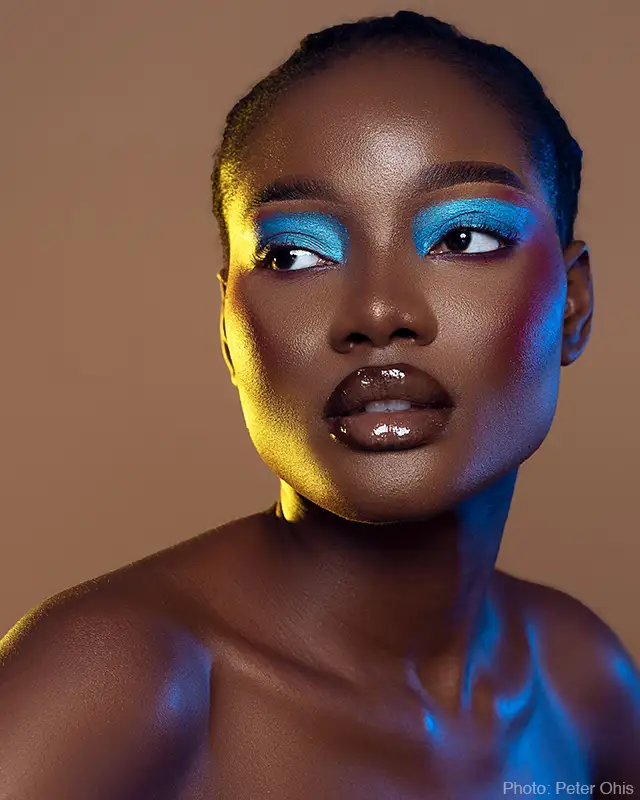
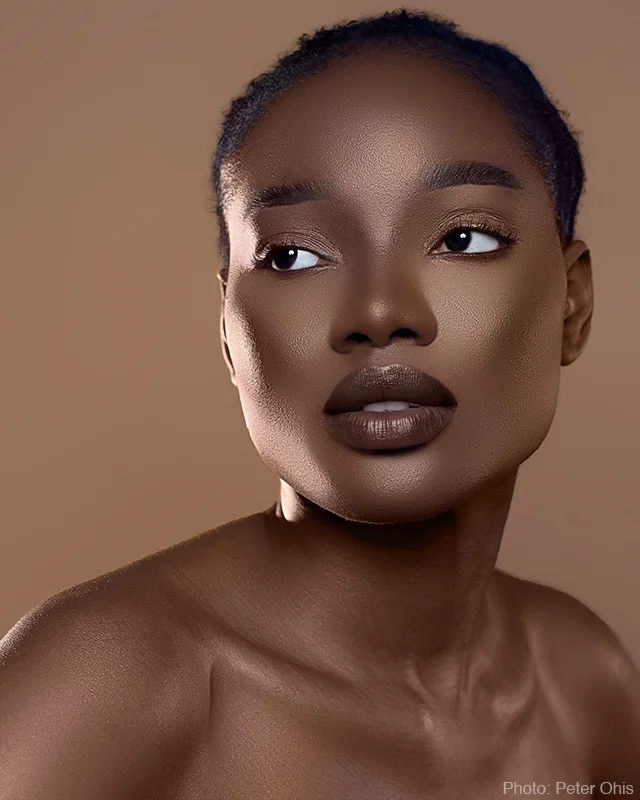
Before imageAfter image

The first example (above) was relatively straightforward because the makeup and coloured lighting didn’t completely obscure the underlying skin texture. I could remove the makeup and coloured lighting while preserving the natural characteristics of the model’s skin.
Continue reading →

Can You Remove Makeup From A Photo? What Retouching Can And Can’t Do

Before imageAfter image
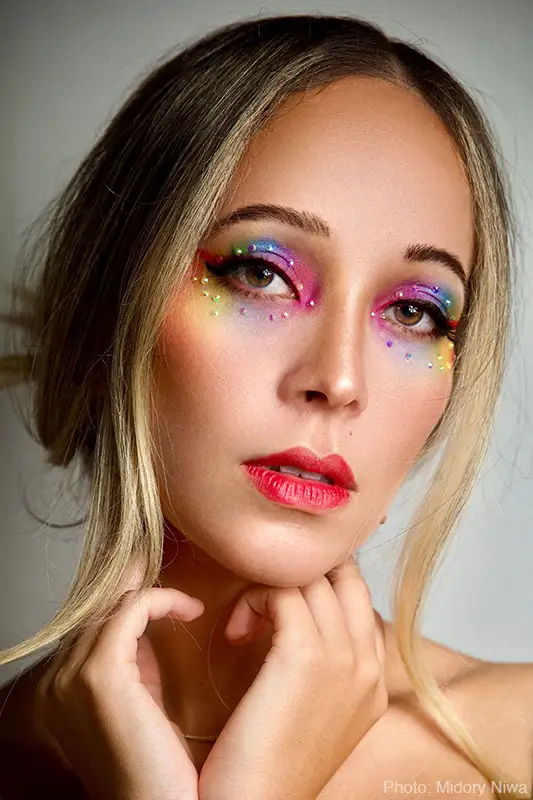
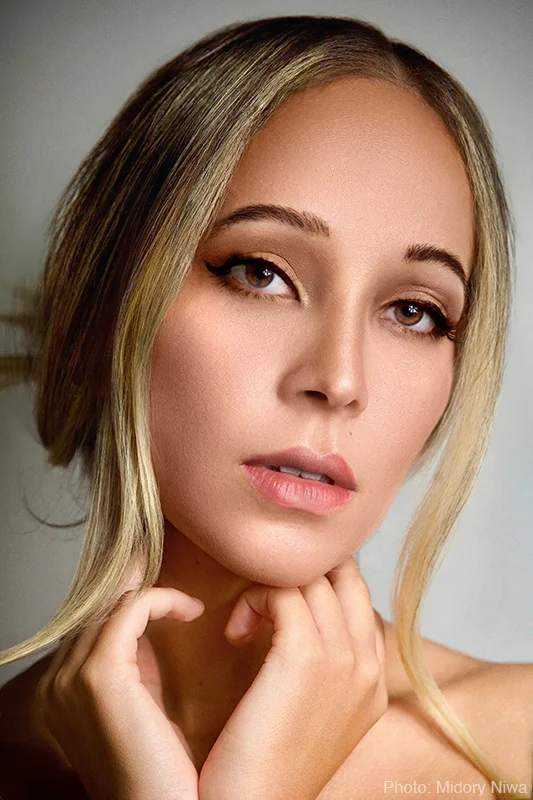
The makeup in this photo was lightly applied so it was easy to remove. Eyelash mascara and eyebrow pencil still remain. Removing lipstick is just a matter of guessing what the person’s natural lip colour might be.

A customer (not shown in any photo here) asked to have her makeup removed from a portrait of herself. She had a photograph of herself from an evening social event and wanted to repurpose it as a business headshot. She was wearing elegant clothing and her hair was fashionably styled. The problem was that her evening makeup was too overdone for a business portrait.
Continue reading →

css.php