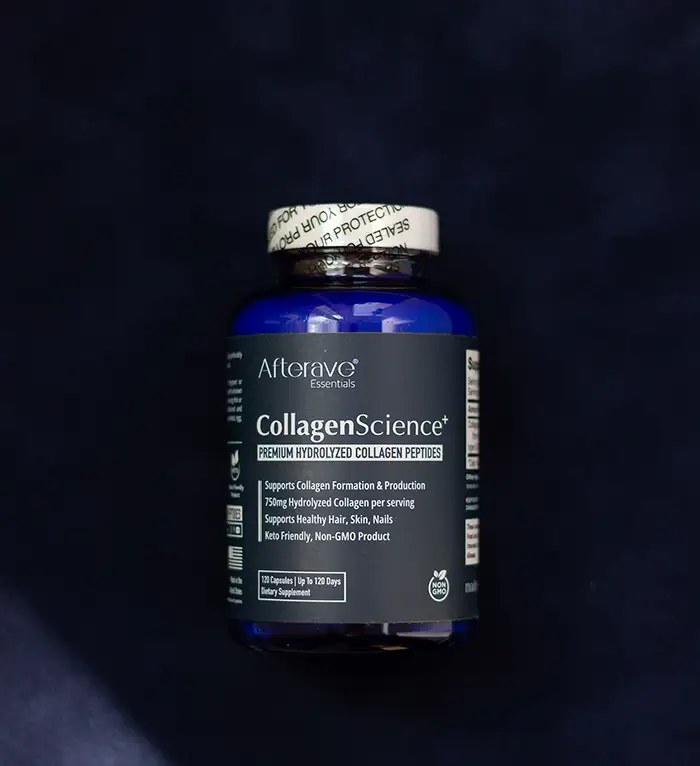
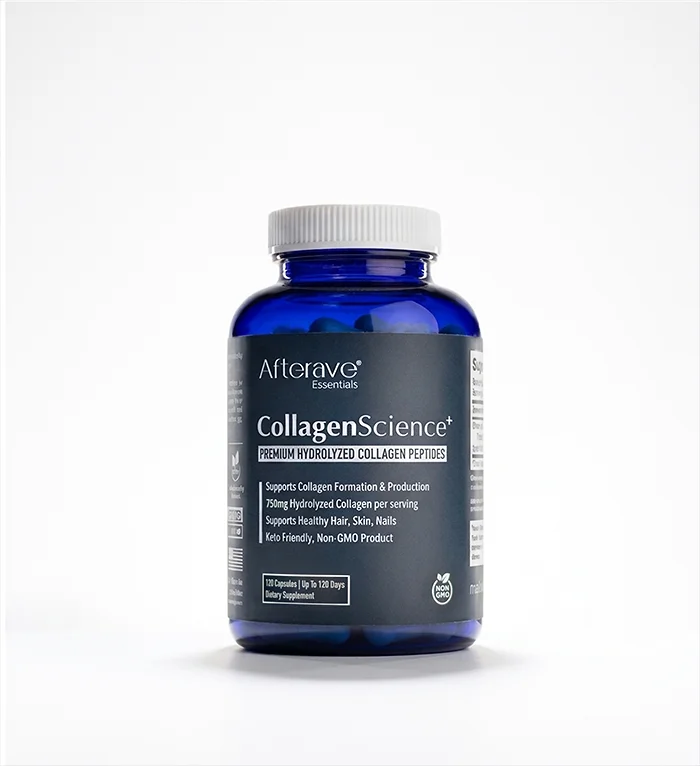
Product photos almost always benefit from some degree of retouching. Professional photo retouching can remove dust and scratches, clean up packaging, refine lighting and reflections, and create a polished image that accurately represents the product. Professional retouching also enhances the brand value of the company selling that product.
Retouching also gives businesses flexibility. If a manufacturer or retailer changes its marketing campaign, a retoucher can replace the background or create multiple versions of the same product photo.
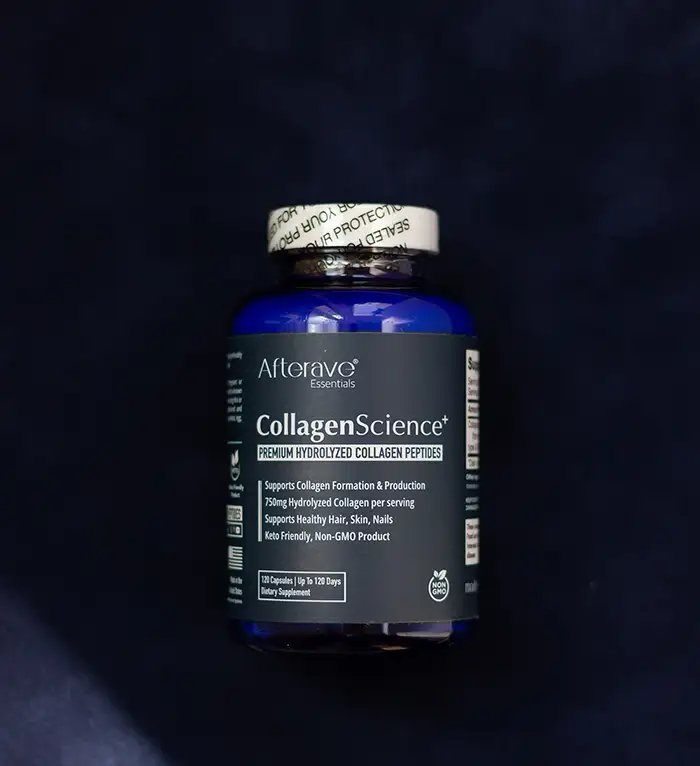
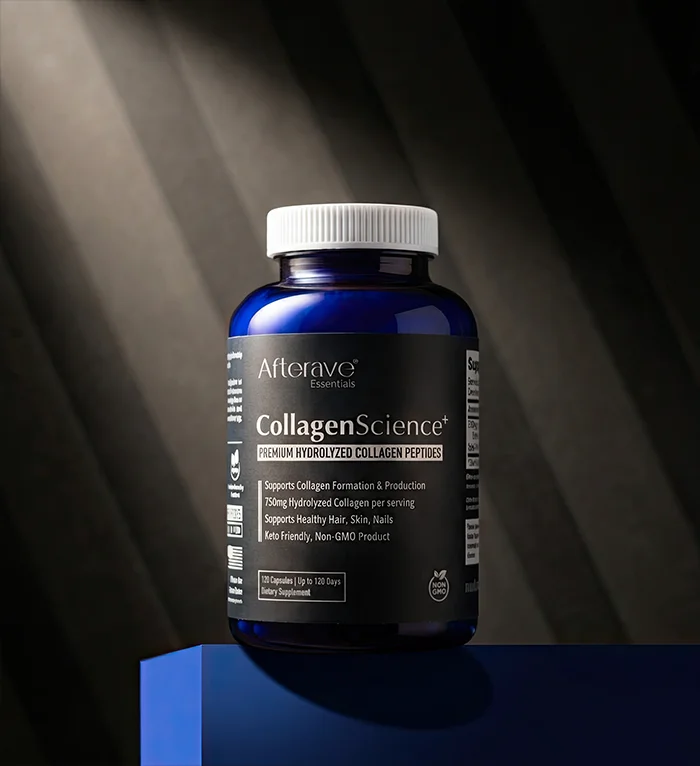
The retouched image is just to show what can be done after the product has been isolated. If a product was photographed properly, a retoucher, graphic designer, or AI can create almost any look.
Start With a Well-Photographed Product
The better the original photograph, the easier it is to achieve a professional result. A high-resolution image gives a retoucher more pixels to work with, allowing for precise selections and detailed corrections.
Sharp focus matters just as much. Crisp product edges make it easier to isolate the product, remove unwanted elements, and place it convincingly against a new background. You can always soften a sharp image later if necessary, but it’s difficult to create detailed edges in a blurred product photo.
Lighting Makes Retouching Easier
Good lighting should reveal, shape, and even accentuate the product rather than interfere with it. Highlights, shadows, and reflections shouldn’t obscure important details such as the product name, logo, label, or packaging edges.
When the photographer captures the product carefully, professional retouching can take the image in almost any direction while keeping it realistic and accurate.
When to Use AI and When to Hire a Professional
AI tools can now handle many basic editing and retouching tasks, and they’re worth exploring if you enjoy experimenting and have the time. But note that AI does not retouch, it recreates. And this can introduce unwanted changes.
AI isn’t always the best choice for all product images. It can struggle with fine detail, texture, and geometric shapes. AI may also have resolution and sharpness limits.
Overly aggressive editing can introduce unrealistic details, distort packaging, or make a product look different from what customers will actually receive.
Professional photo retouching gives you greater control over those details. An experienced retoucher knows how to make an image cleaner and more appealing without making the editing itself obvious.
Keep the Product the Star
Whether you use AI, do the work yourself, or hire a professional retoucher, remember the most important rule: the product should always be the star of the photo, not the retouching.
A successful retouched image looks polished, natural, and believable. Most importantly, it accurately represents what the customer is buying.
