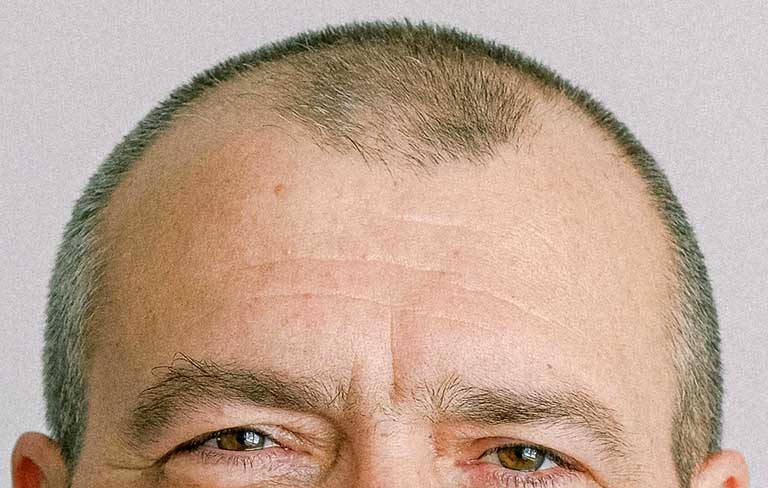
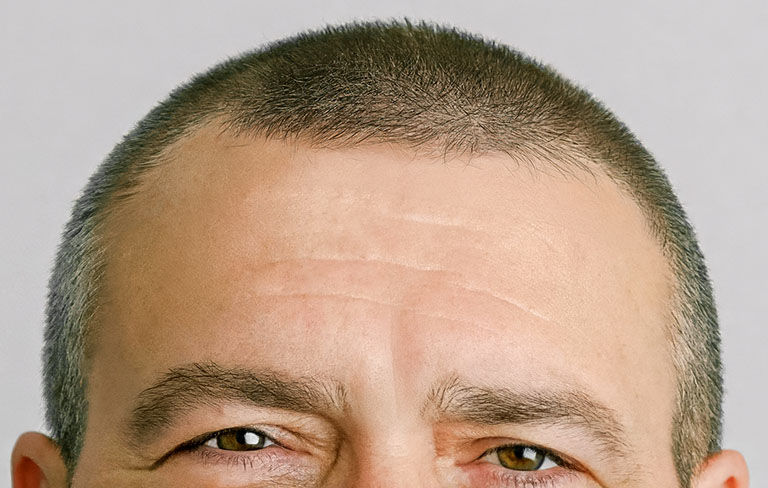
Hairline retouching is an occasional request in portrait photography. Some people ask to fill in thinning areas or extend a receding hairline.
Retouching can fill sparse areas, soften thinning spots, and even extend the hairline. But this type of editing requires more than technical skill. It also involves artistic interpretation. The retoucher has no reference for what the subject’s hair looked like years earlier. So the process becomes a creative endeavour rather than a corrective one.
The goal is believability, not historical accuracy. If the final retouched portrait looks natural and consistent with the lighting, texture, and angle of the original image, then most viewers will accept it without question.
It’s important for the customer to remember that since hair restoration is a creative interpretation, then it isn’t exactly repeatable. If you have multiple photos of the same person that all need the hairline extended, the recreated hairlines will be reasonably similar but not identical.
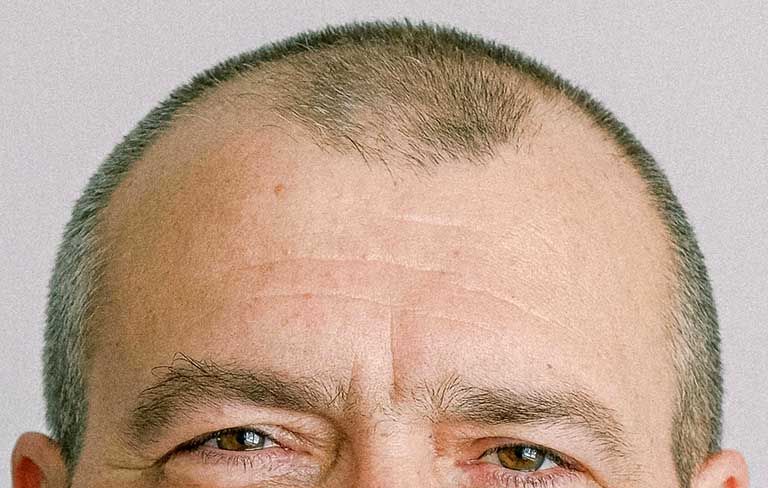
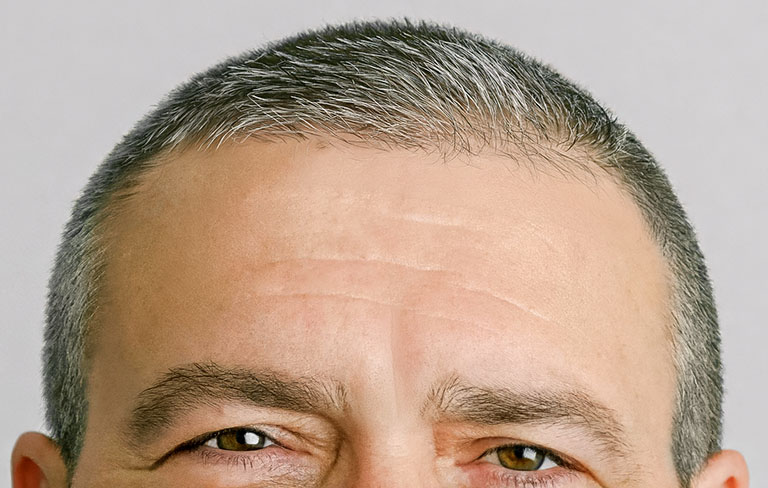
That said, professional portraits and business headshots require a careful balance between enhancement and authenticity. Correcting temporary issues, like stray hairs or gaps caused by poor hair styling, simply refines the image. These edits help the subject appear polished while still looking like themselves.
More significant changes, such as rebuilding a hairline or adding large sections of hair, move beyond refinement and into alteration. At that point, the portrait may no longer represent the person accurately.
Good retouching should support the portrait, not reinvent the subject. Whether adjusting lighting or refining appearance, the best edits are the ones that feel believable and true to the person in the photo.
