Backup For The Future

Most of my portrait retouching involves correcting mistakes made during the photo shoot. Common issues include unflattering lighting, poor camera angle, crooked clothing, stray hairs, and distracting backgrounds.

More recently, I’ve been asked to repair the work of amateur retouchers. This means the customer, or their friend, tried to edit the portrait themselves.

Inexperienced editing often leaves obvious signs behind: visible brush strokes, harsh transitions, heavy-handed skin smoothing, halos around the subject, too much saturation, over sharpening, and poor use of the Clone Stamp tool. Any of these can make a portrait look artificial and unprofessional.

Always Save The Original Photo

The biggest challenge for me is that the original, untouched image is often gone. The customer, or their friend, edited the original and saved over it without first making a backup.

This leaves me with a second generation image that has already lost detail, resolution, and editing flexibility. Every round of destructive editing makes it harder to produce a natural, high-quality result.

If you’re learning retouching, that’s great. Everyone begins somewhere.

Just remember one essential rule: always work on a copy of the original image. Keep the original file untouched, no exceptions. It serves as your safety net if something goes wrong. It also preserves the maximum amount of image data, and gives you the option to change the edit in the future.
 

The Retouching Challenges in Group Photos

Group photos present unique retouching challenges. Unlike an individual portrait, every person in a group needs to look their best. The larger the group, the greater the chance that someone is blinking, looking away, standing awkwardly, or affected by poor lighting. Here are some of the most common issues retouchers encounter.

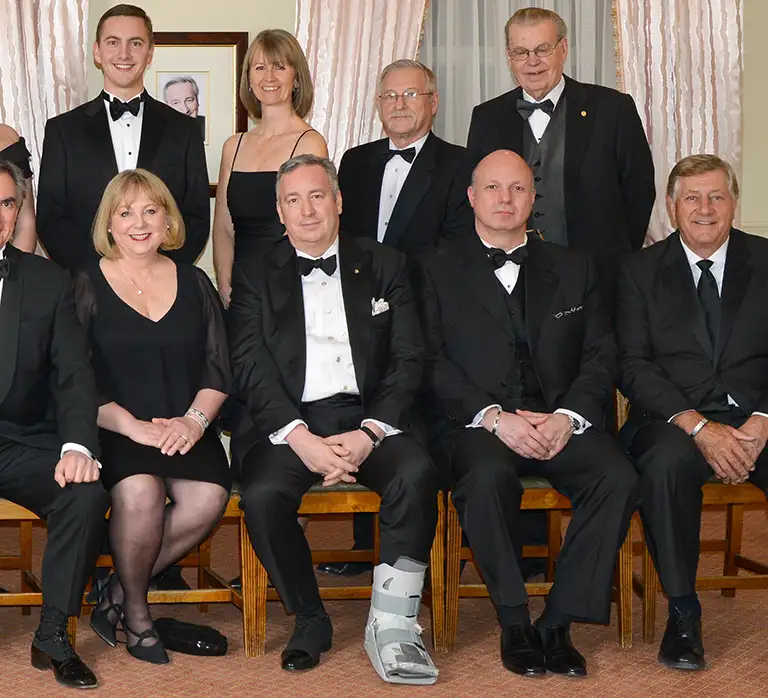
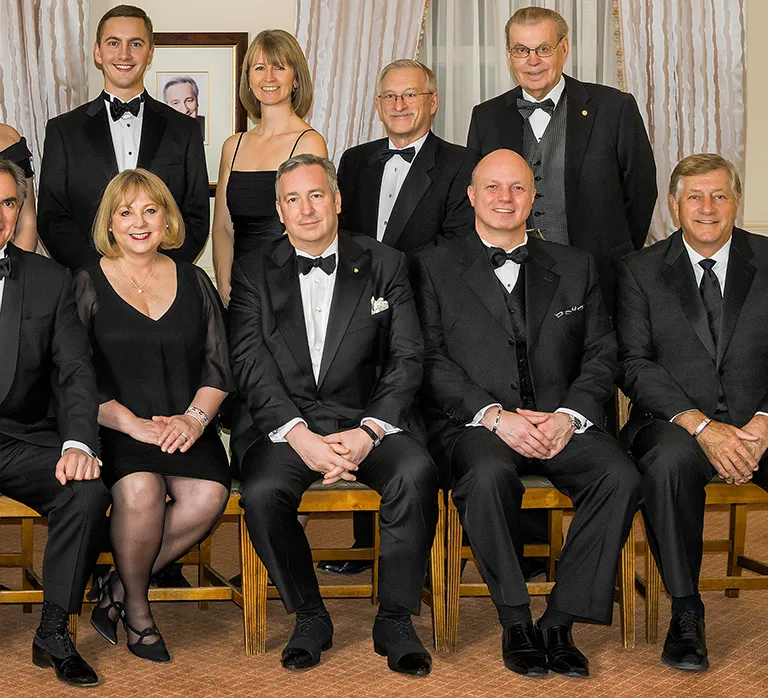
In this image, taken from a larger group photo, one person has their eyes closed, another has eyeglass reflections covering their eyes, and a third has a bland expression. One person has their jacket wide open, and two others have their jackets partially open or wrinkled. There’s a cast on someone’s foot, and a purse on the ground.

Retouching included three face swaps, a foot swap, and a number of smaller edits.

Continue reading →

Catchlights: Why Tiny Reflections Matter in Portraits

Why do some portraits instantly feel alive while others seem flat or lifeless?

Often it comes down to a tiny reflection occupying less than 1% of the image. That small speck of light can have a surprisingly powerful effect on how we perceive a person.

Catchlights are where optics, human perception, and portrait aesthetics intersect. They add depth and dimension to the eyes, drawing attention to the facial feature most responsible for conveying emotion and connection.
Continue reading →

What Retouching Can’t Fix in a Business Portrait

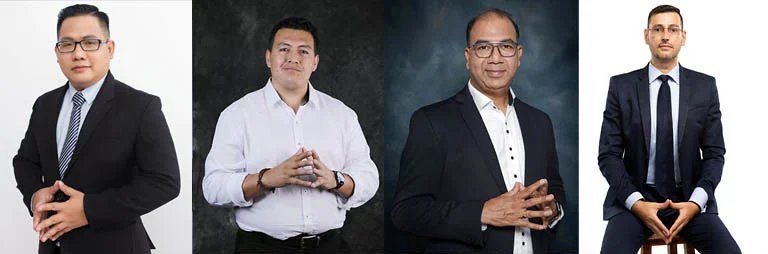
These portraits show people with “steepled” hands. Steepling may be appropriate when giving a speech, but it’s rarely effective in a photo. This is not a natural hand pose, so it’s distracting in a photo. There’s no retouching fix for this. The only option is to crop the photo.

The hand-on-chin pose might suggest thoughtfulness. But it can also suggest uncertainty or insecurity. It never conveys confidence or strength. Neither retouching nor cropping can fix this pose.

Continue reading →

Canadian Business Headshot Retouching

At first glance, creating a strong business portrait seems simple. Have the subject make a pleasant expression, use proper camera settings, and the job should be done. But in reality, professional headshots can go wrong in many ways.

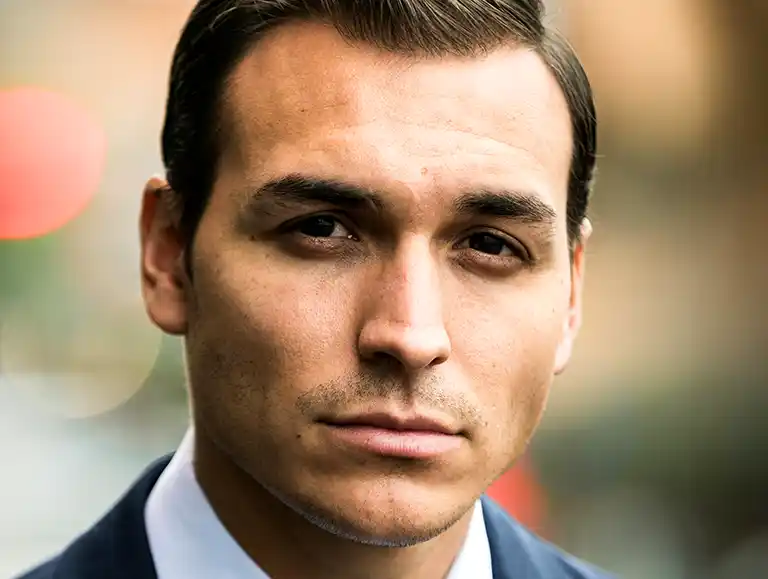
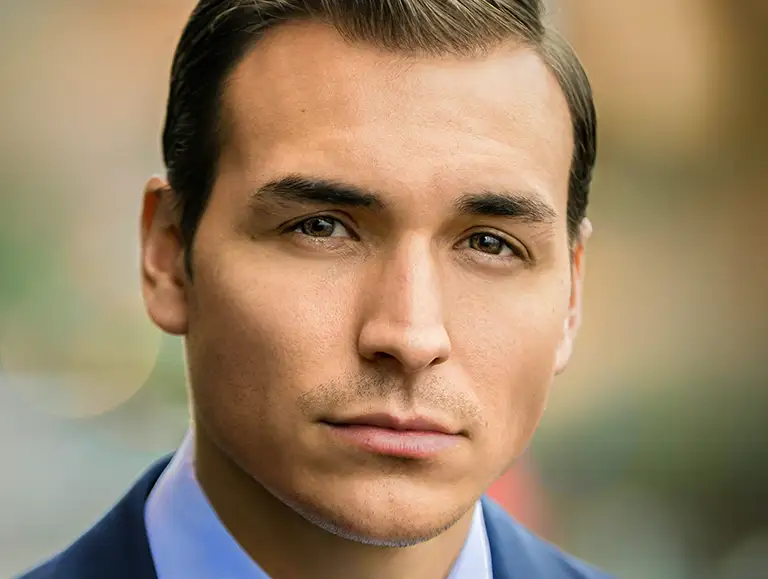
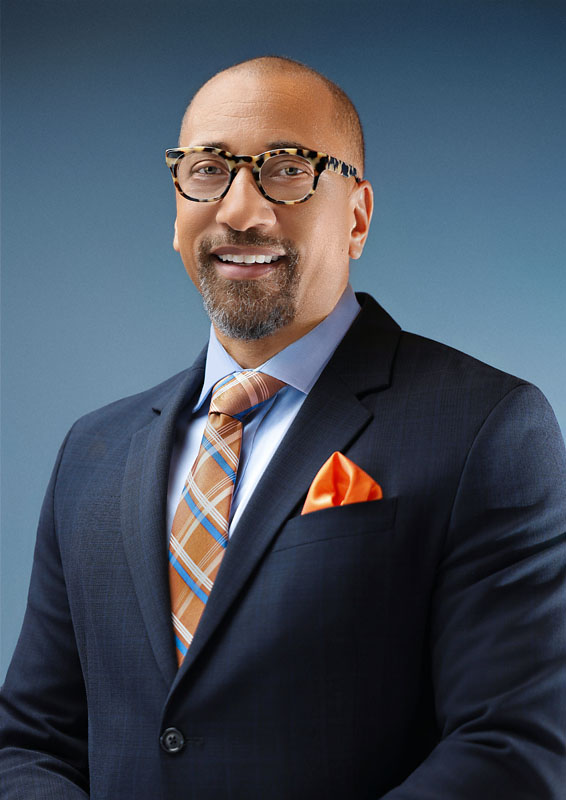
The original photo is pretty much unusable because of the dark eyes, reflections in the lenses, and the distracting shadow line across the jaw. Also, the neck has a clump of odd wrinkles, the tie is loose and overexposed, and there’s a bright hotspot on the forehead. After retouching, the portrait can be used without hesitation.

Some problems are minor and easy to fix with retouching. Issues like poor exposure, incorrect colour balance, lint on clothing, or stray hairs rarely ruin a portrait. An experienced retoucher can correct these details quickly and seamlessly.
Continue reading →

Retouching Receding Hairlines

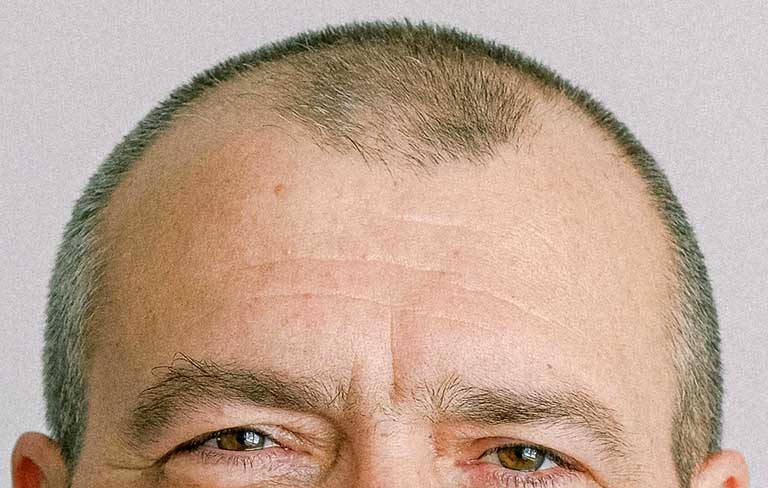
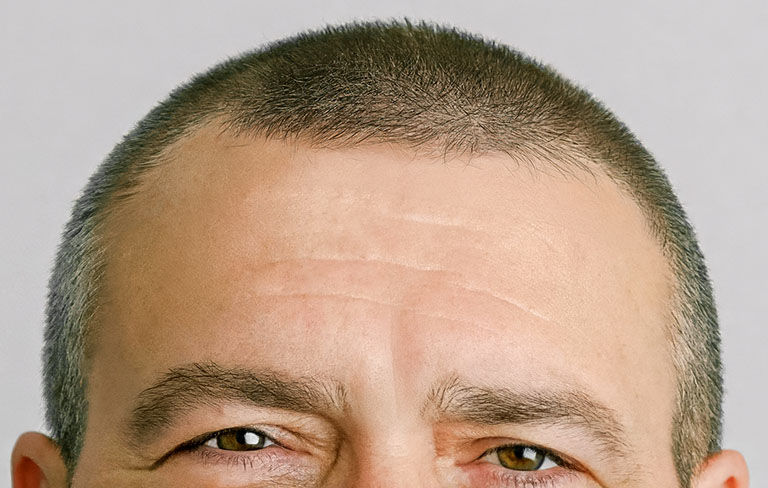
One possible version of a recreated hairline.

Hairline retouching is an occasional request in portrait photography. Some people ask to fill in thinning areas or extend a receding hairline.

Retouching can fill sparse areas, soften thinning spots, and even extend the hairline. But this type of editing requires more than technical skill. It also involves artistic interpretation. The retoucher has no reference for what the subject’s hair looked like years earlier. So the process becomes a creative endeavour rather than a corrective one.
Continue reading →

Retouching Business Portrait Lighting

Retouching can’t reinvent the lighting of a portrait. At least not yet. But small changes can make a noticeable difference to the photo.

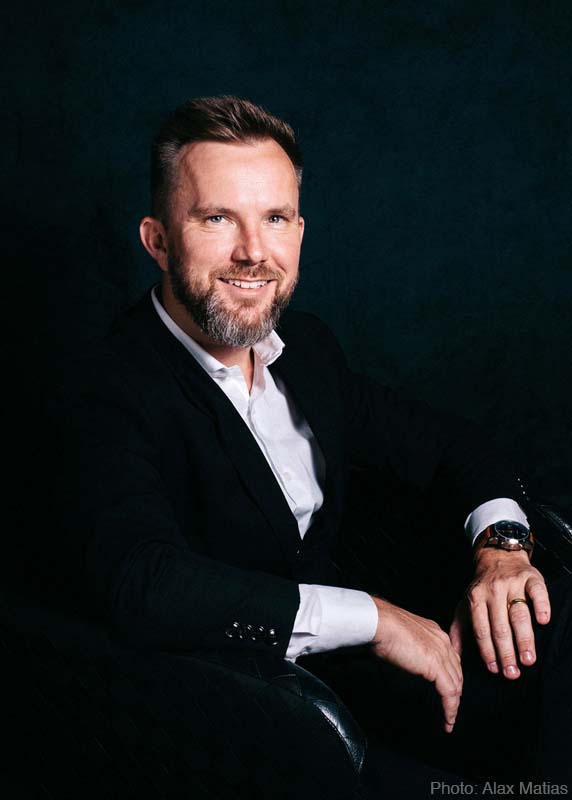
The original portrait (above) is much too dark and flat. Large shadow areas dominate the image, causing the jacket, chair, and background to blend together into one heavy black mass. As a result, the subject lacks separation from the background, and the portrait loses depth and detail.
Continue reading →

css.php