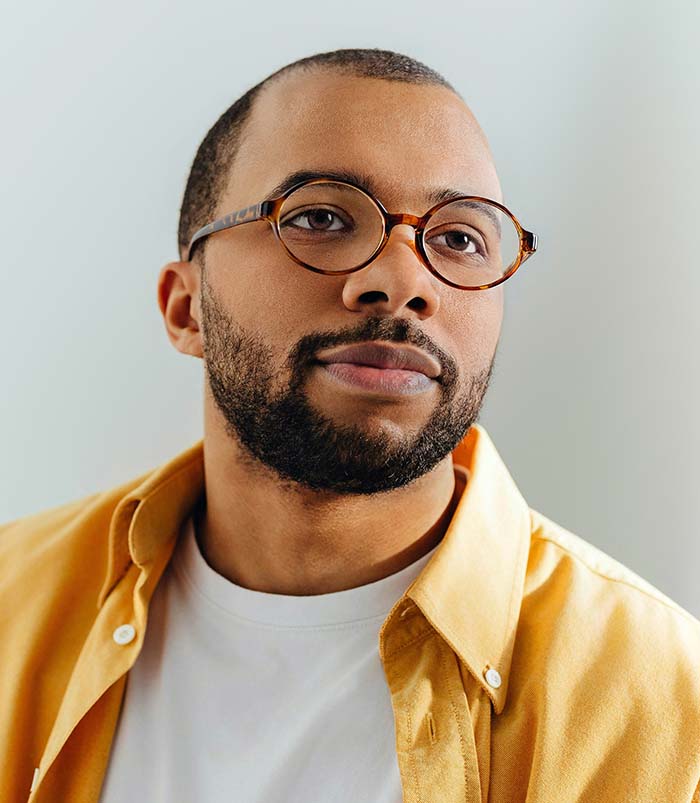
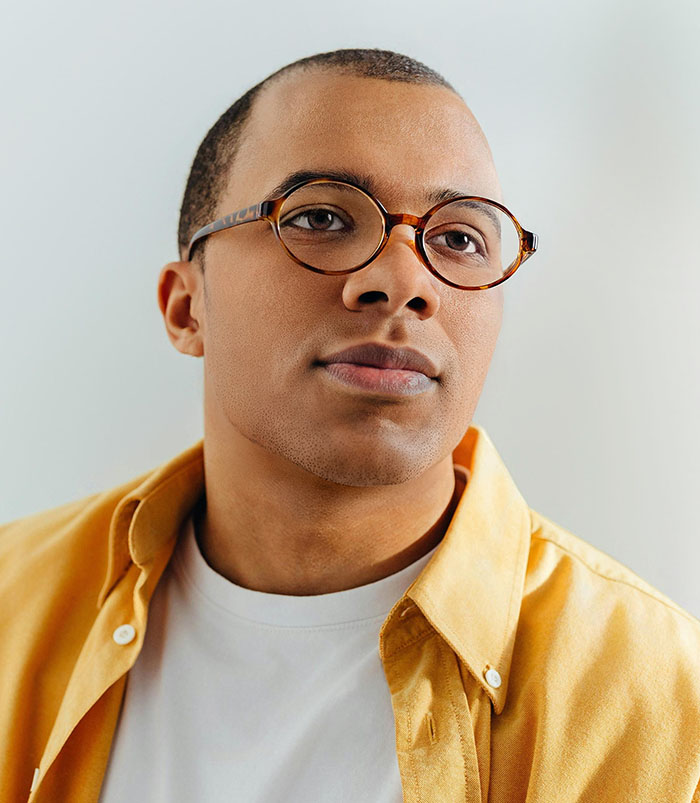
Removing facial hair in a portrait is deceptively difficult. It’s not just a matter of erasing hair because the hair has to be replaced with natural-looking skin. Underlying facial features, like the jawline, chin, or even parts of the mouth, may also need to be reconstructed.
AI retouching tools struggle with facial hair removal. They can usually generate plausible results at a glance, but they often fail to replicate the subtle textures of real skin. At small viewing sizes, unnatural skin may go unnoticed. But if the image is enlarged, it will become obvious that something is “wrong” with the skin.
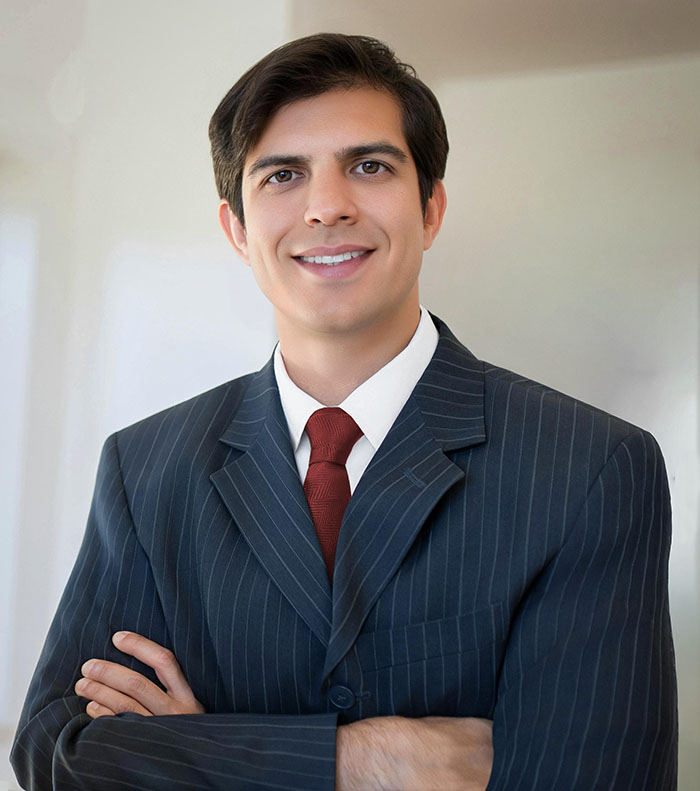
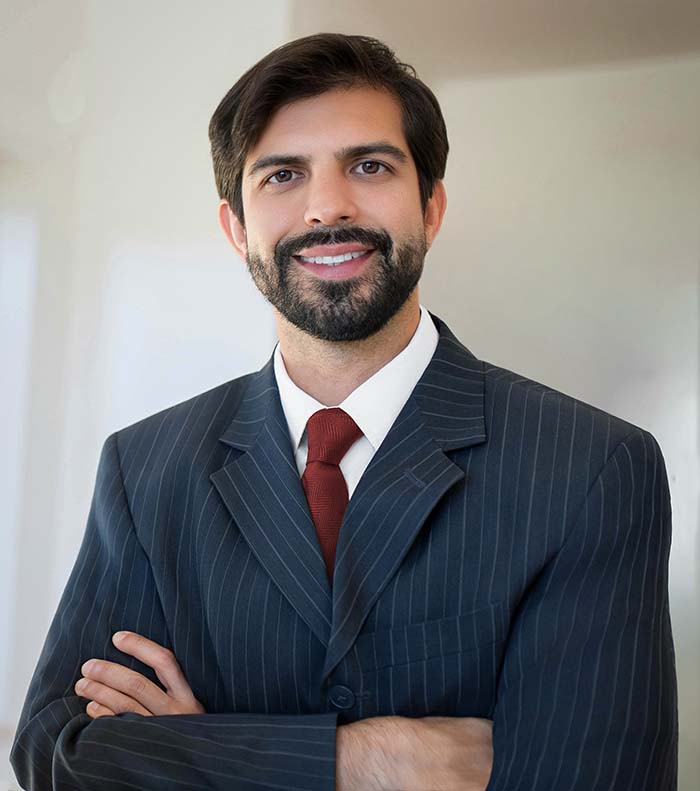
The two retouched photos, shown above, work reasonably well at this reduced size. But if viewed at full resolution, you would see that the lower skin doesn’t quite match the rest of the face.
The takeaway is simple: fashion your facial hair exactly the way you want it before your photo is taken. Trimming, shaping, or shaving in advance will always produce better results than relying on retouching after the fact.
General information on my photo retouching services.
